 Ampify
让 Apple Music 成为你的
为 Windows 版官方 Apple Music 应用带来主题、扩展和 Marketplace。无损音质、杜比全景声、歌词和资料库照常使用。
先关闭 Apple Music,把这一行粘贴到 PowerShell,再像平常一样打开 Apple Music。
irm https://raw.githubusercontent.com/Shirowwww/ampify/main/scripts/install.ps1 | iex
无需管理员权限。之后每次启动 Apple Music 时,Ampify 都会随之加载;ampify restore 可以把它关掉。
或下载安装程序.
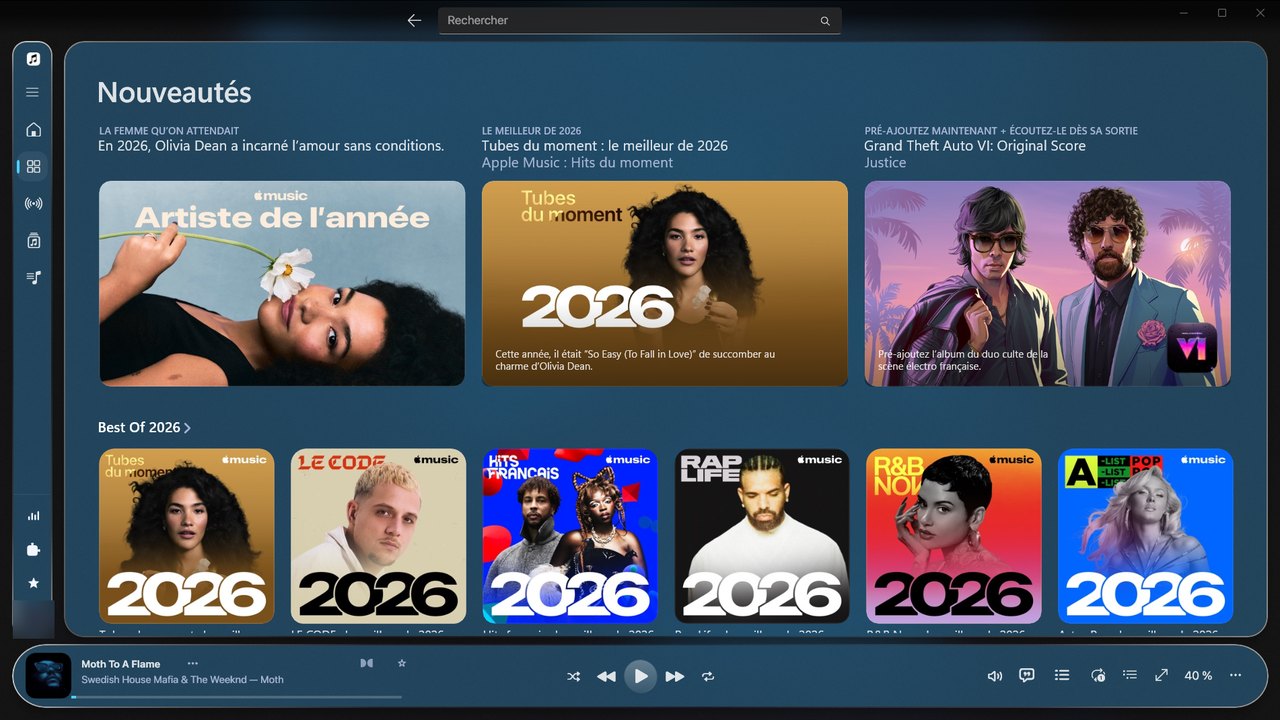
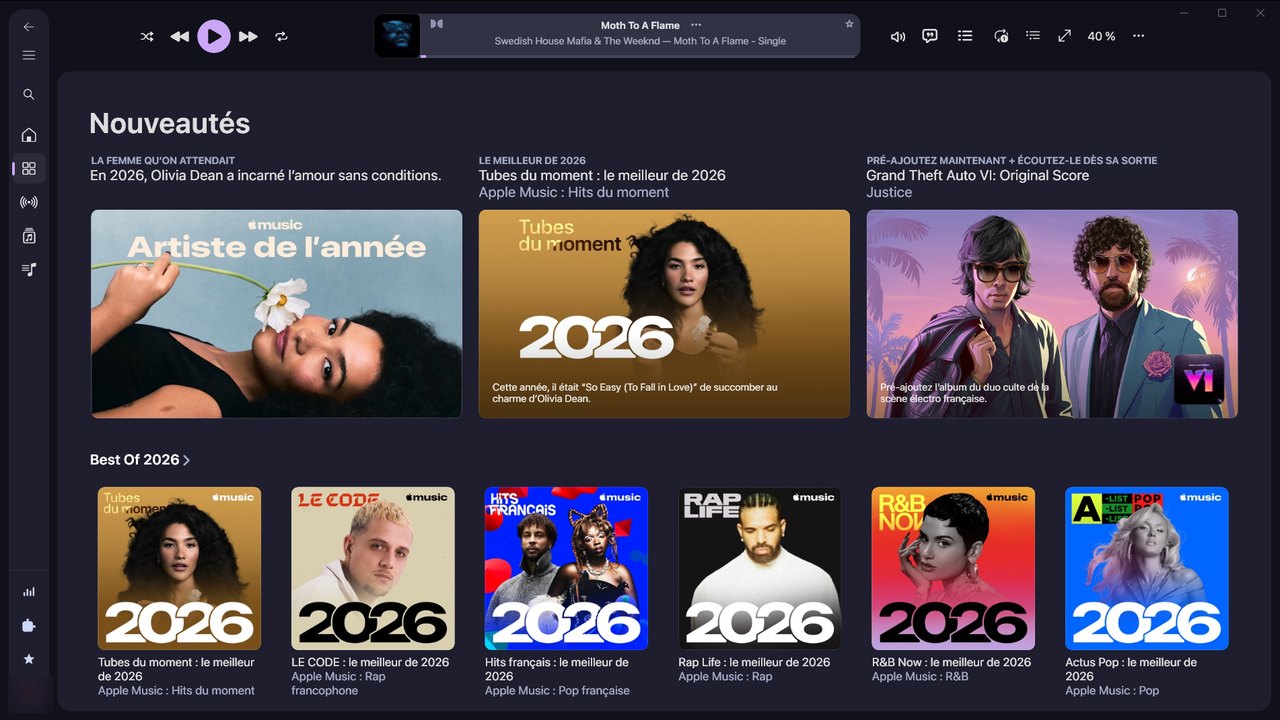
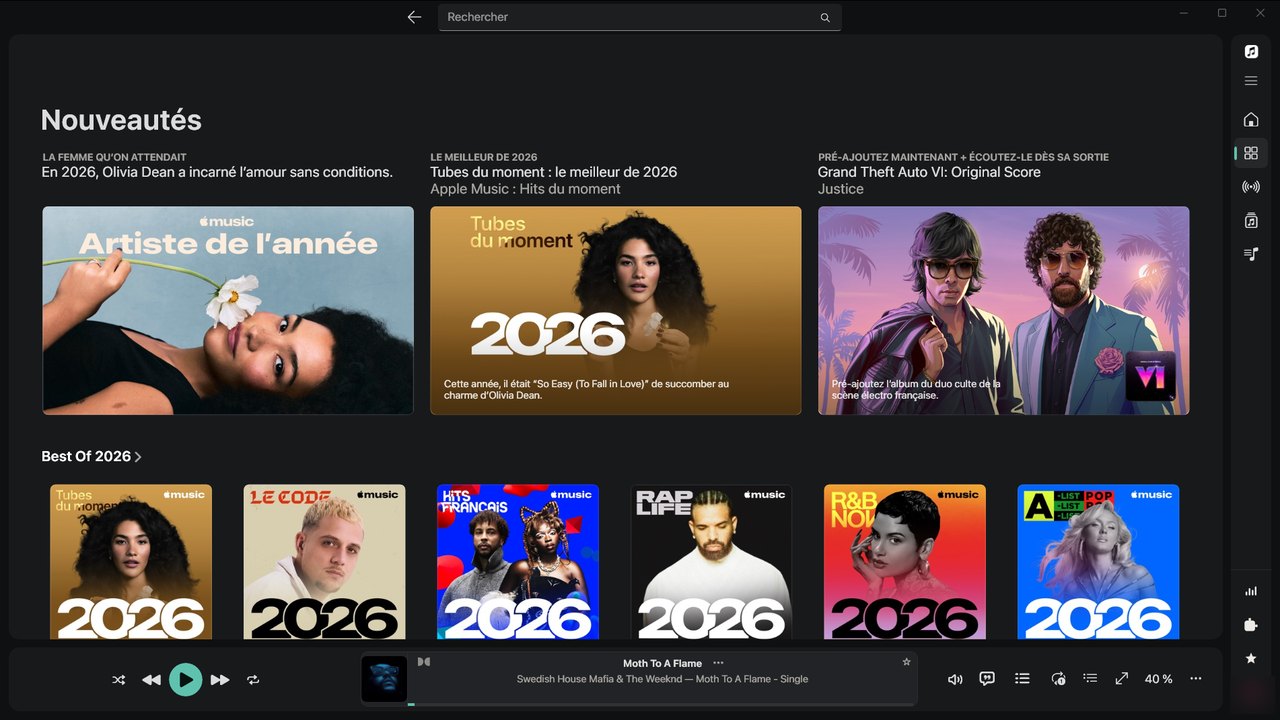
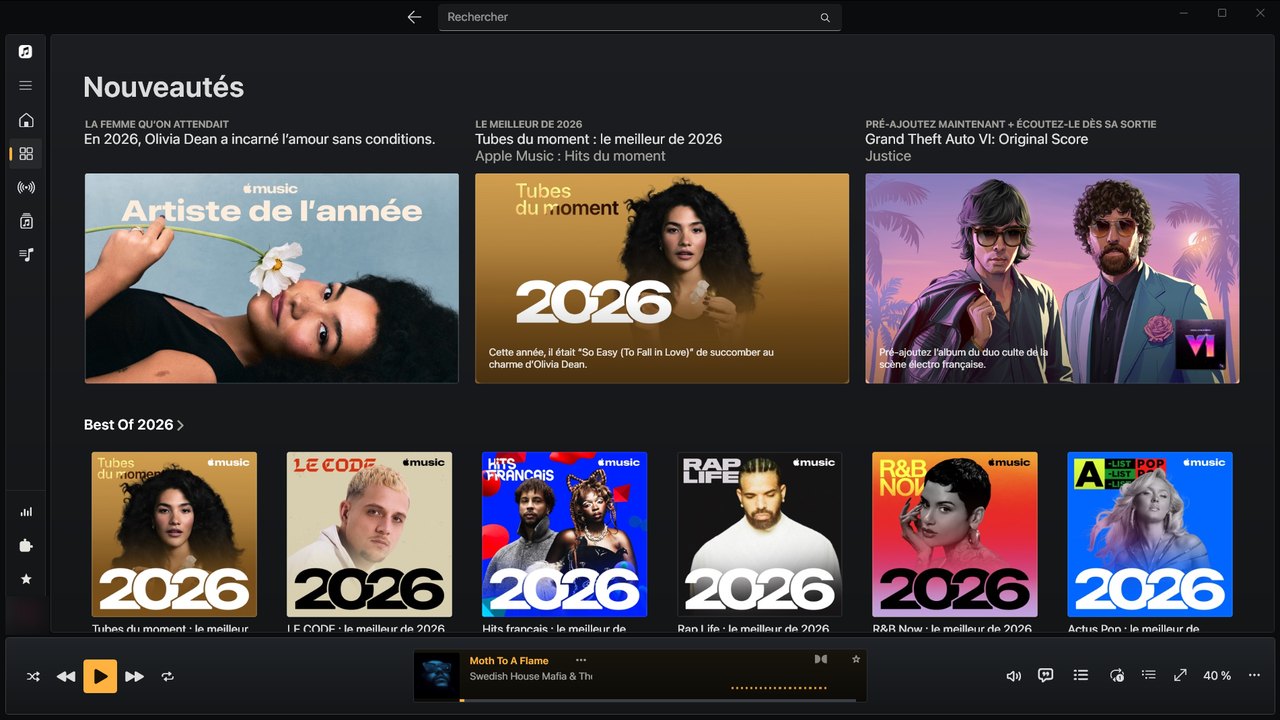
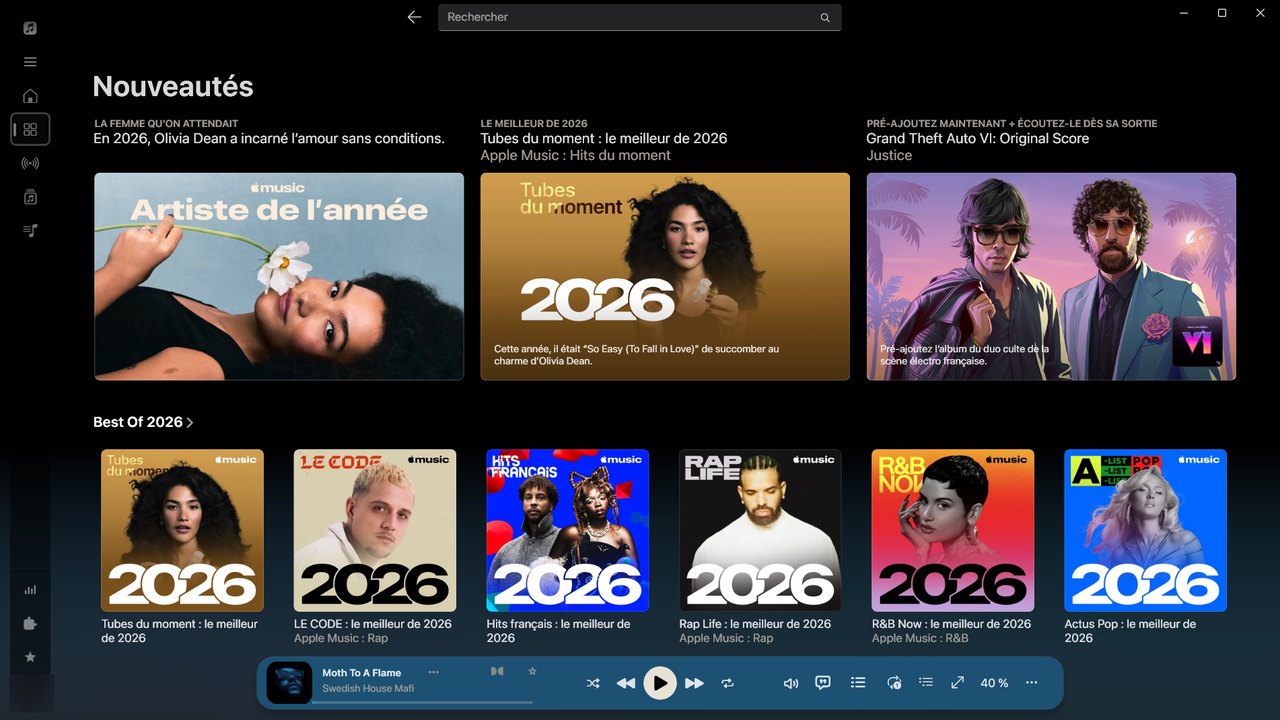
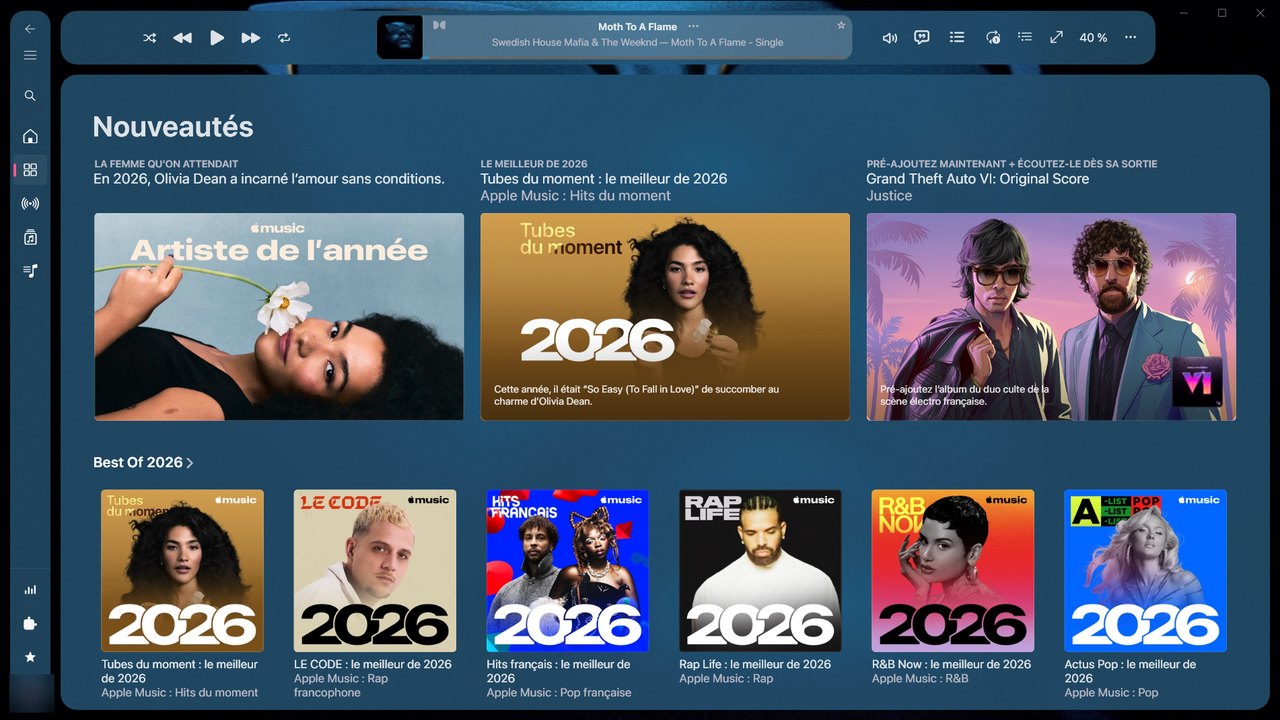
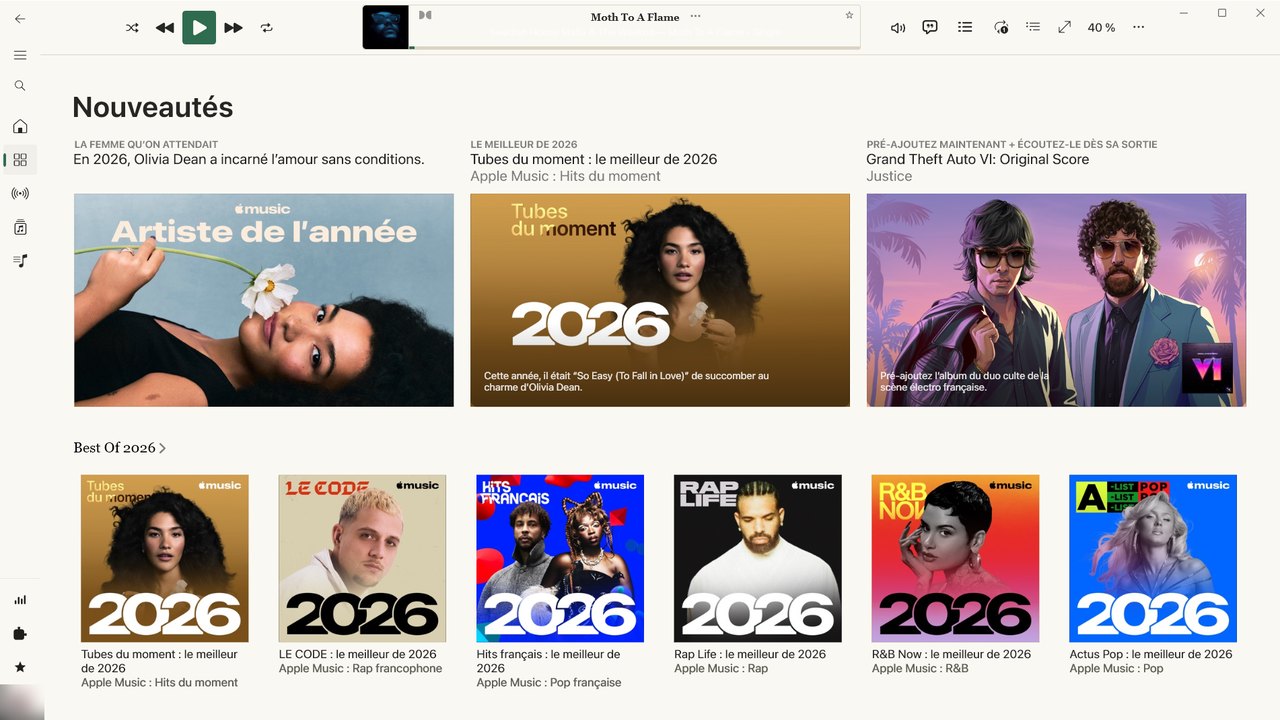
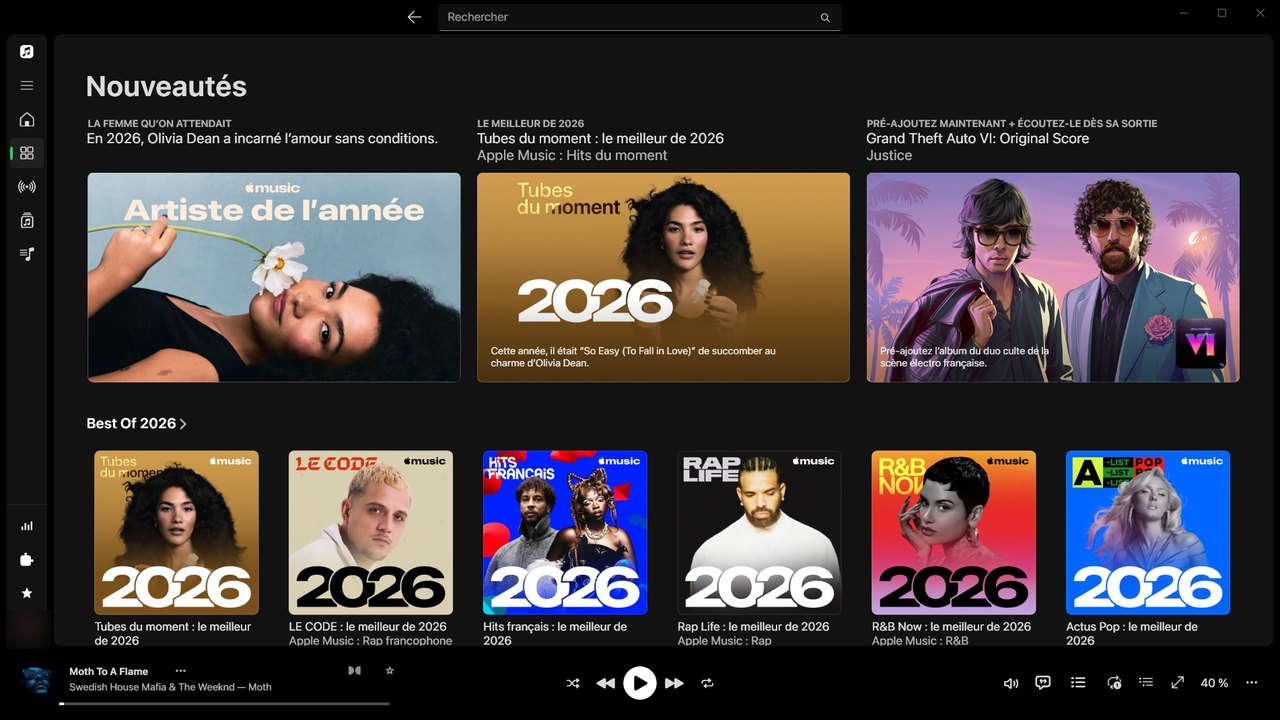
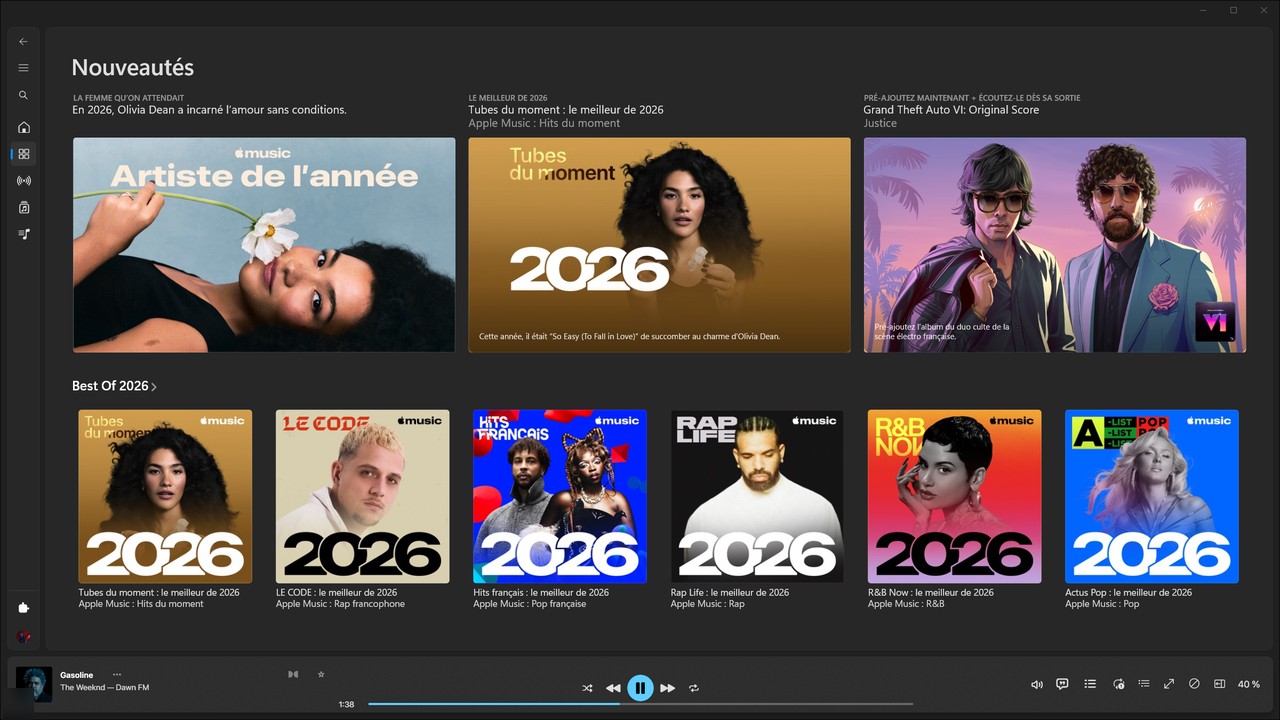
Apple Music 会有什么变化
-
主题
玻璃质感的面板,歌曲封面铺在一切之后,Windows 11 风格,圆角或直角。在 Apple Music 里的 Marketplace 中选一个,立刻生效。
10 个主题、28 种配色、11 个代码片段
-
Discord 和 Last.fm
Discord 状态会显示当前歌曲、封面和进度条。scrobbler 会把你播放的歌曲发送到 Last.fm。
在 Marketplace 中各点一下即可
-
应用
侧边栏里的页面,用来看你的收听统计(时长、播放次数、常听的艺人、歌曲和专辑),以及你常听艺人的新发行。
收听统计、新发行
-
歌词由你定
选择正在演唱的那一行前后显示几行,居中还是靠左,其余行模糊还是保持清晰,背景用深色还是封面。
侧边面板和全屏中都适用
-
AutoMix(测试版)
歌曲之间像 DJ 现场混音一样衔接。节奏相近时卡着拍子,不相近时在小节上以回声淡出、让歌曲自然收尾并稍作停顿,或用淡入淡出。它还很年轻,仍在不断改进。
默认关闭,只有一个开关
-
依然是 Apple Music
无损音质、杜比全景声、资料库及其同步,以及 Apple 日后给应用加的功能,都照常工作。全景声均衡器让全景声歌曲和立体声歌曲一样响。
绝不改动 Apple 的程序包
Marketplace
主题、代码片段、扩展和应用,每一项都配有说明它做什么的图片。这个页面读取的和 Apple Music 是同一个目录,所以这里看到的,现在就能安装。
做你自己的
主题就是写在 Apple Music 自身元素上的几行 CSS。扩展是使用 Ampify 对象的 JavaScript(或 TypeScript)。ampify dev 在每次保存时重新加载你的作品,ampify publish 把它发送到 Marketplace。
themes/my-theme/user.css.sidebar {
  background: $card;
  corner-radius: 12px;
}
.play-button:hover {
  transform: scale(1.08);
  transition: transform 160ms ease-out;
}
extensions/now-title/main.jsAmpify.player.on("trackchange", (state) => {
  Ampify.notify({
    title: state.track.title,
    text: state.track.artist,
  });
});
Apple Music 还是 Apple Music
- 不会向 Apple Music 的程序包写入任何内容;卸载后一切恢复原样。
- 绝不触碰版权保护。
- 在尚未测试的 Apple Music 版本系列上,Ampify 会保持关闭,直到测试完成。
- Marketplace 中的每个主题和扩展,源码都在 GitHub 上,并在上架前经过审核。