 Ampify
Make Apple Music yours
Themes, extensions and a Marketplace for the official Apple Music app on Windows. Lossless, Dolby Atmos, lyrics and your library keep working as they do.
Close Apple Music, paste this line in PowerShell, then open Apple Music as usual.
irm https://raw.githubusercontent.com/Shirowwww/ampify/main/scripts/install.ps1 | iex
No administrator rights. Ampify then loads with Apple Music each time it starts, and ampify restore turns it off.
or download the installer.
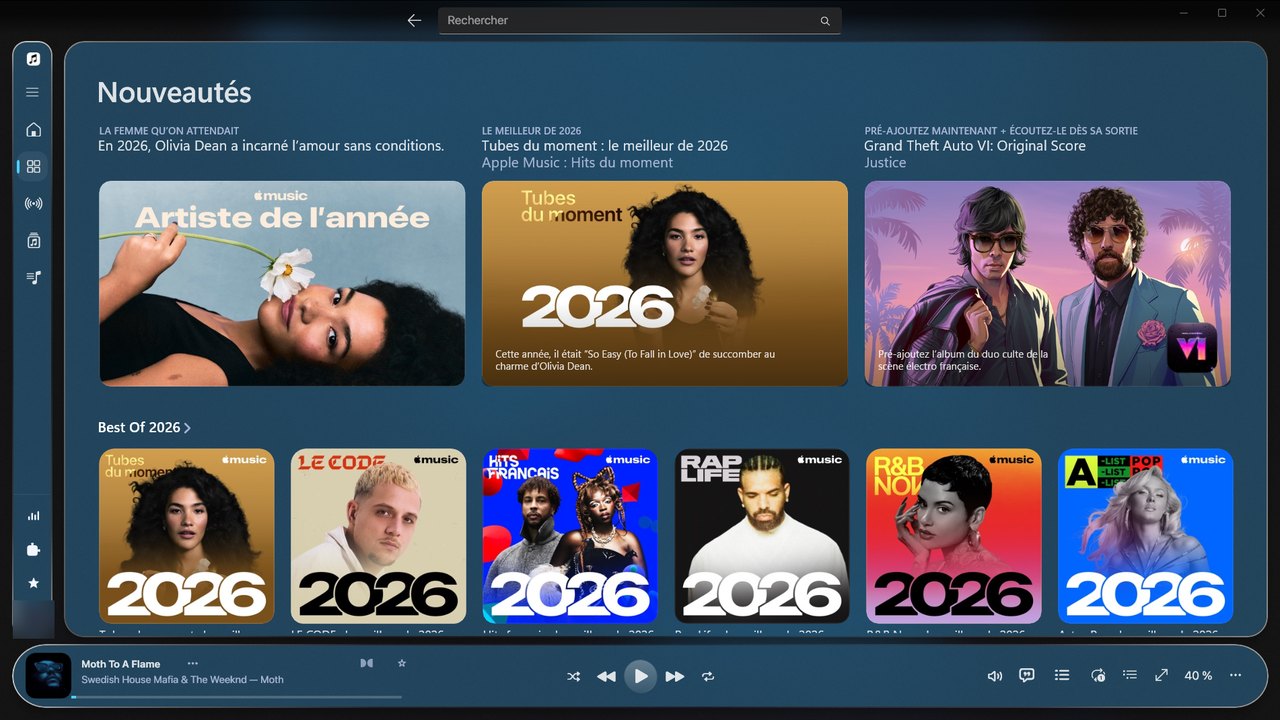
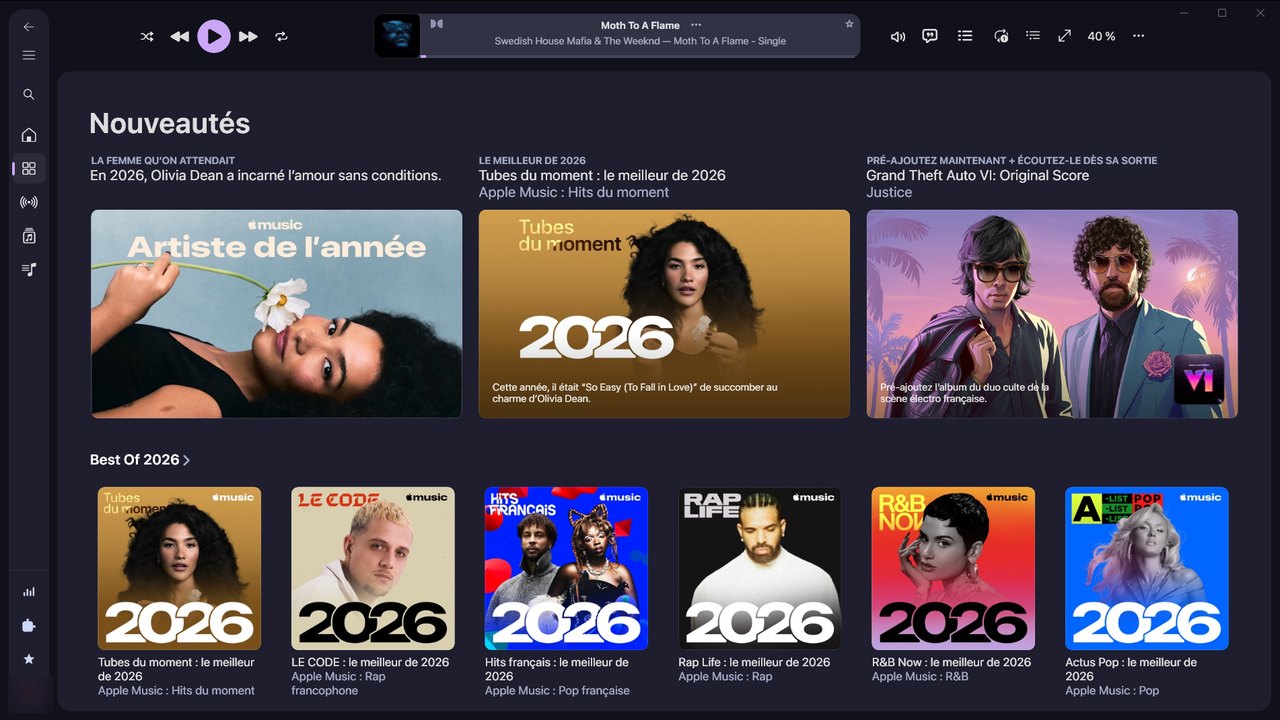
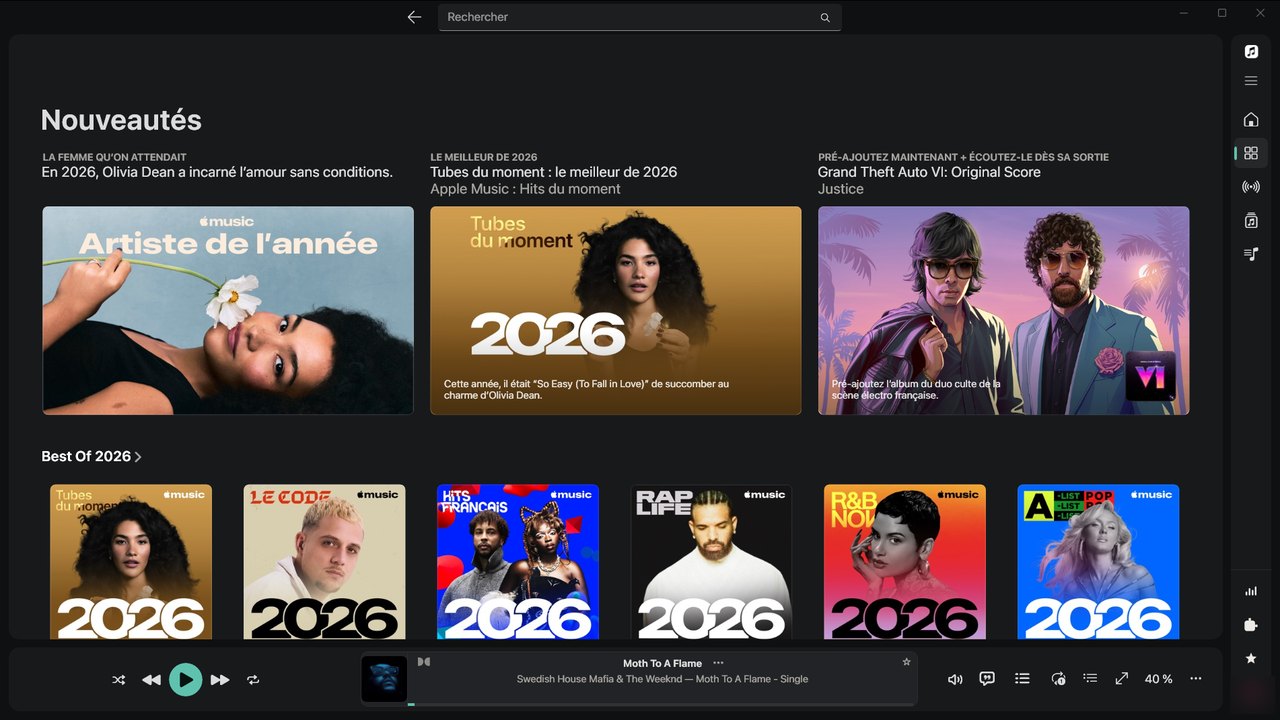
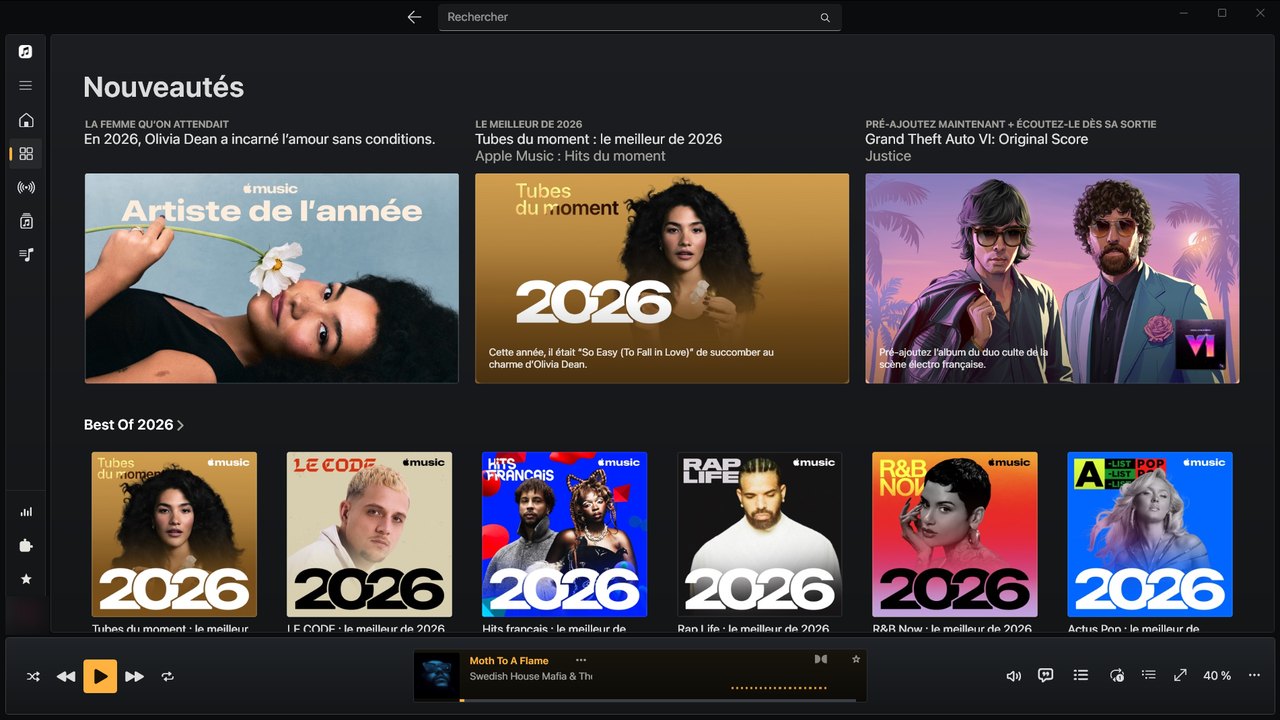
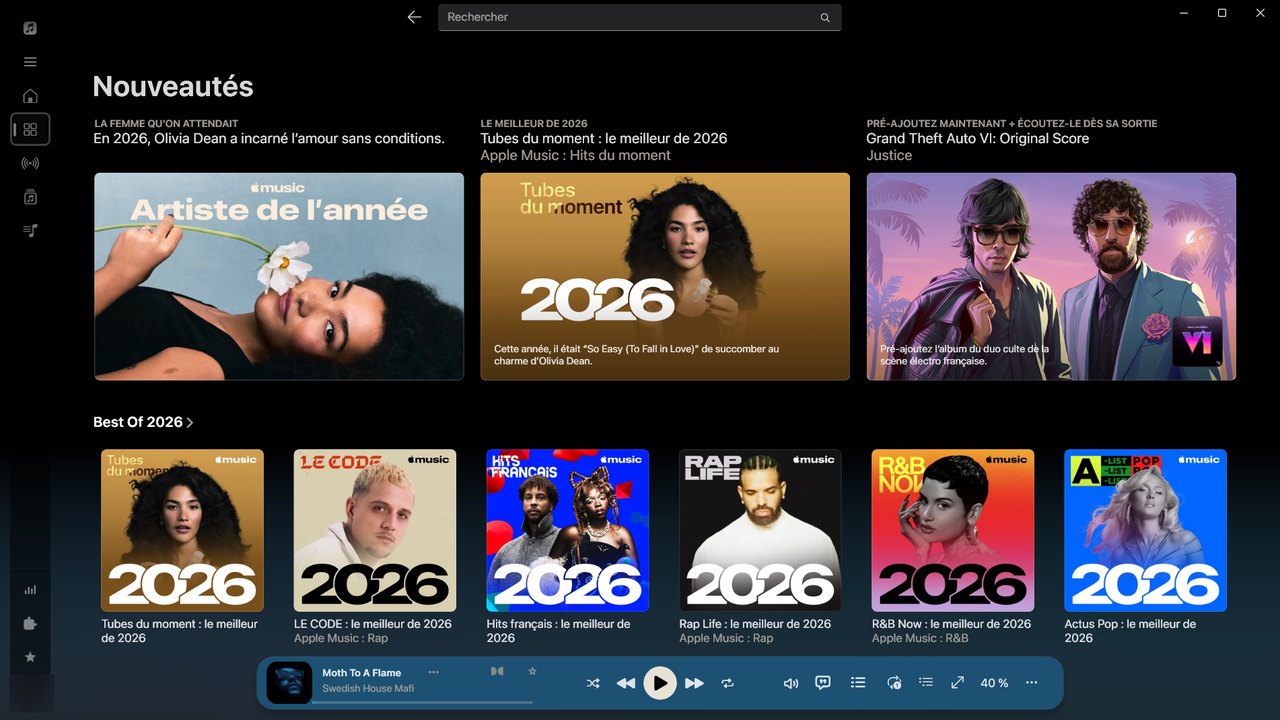
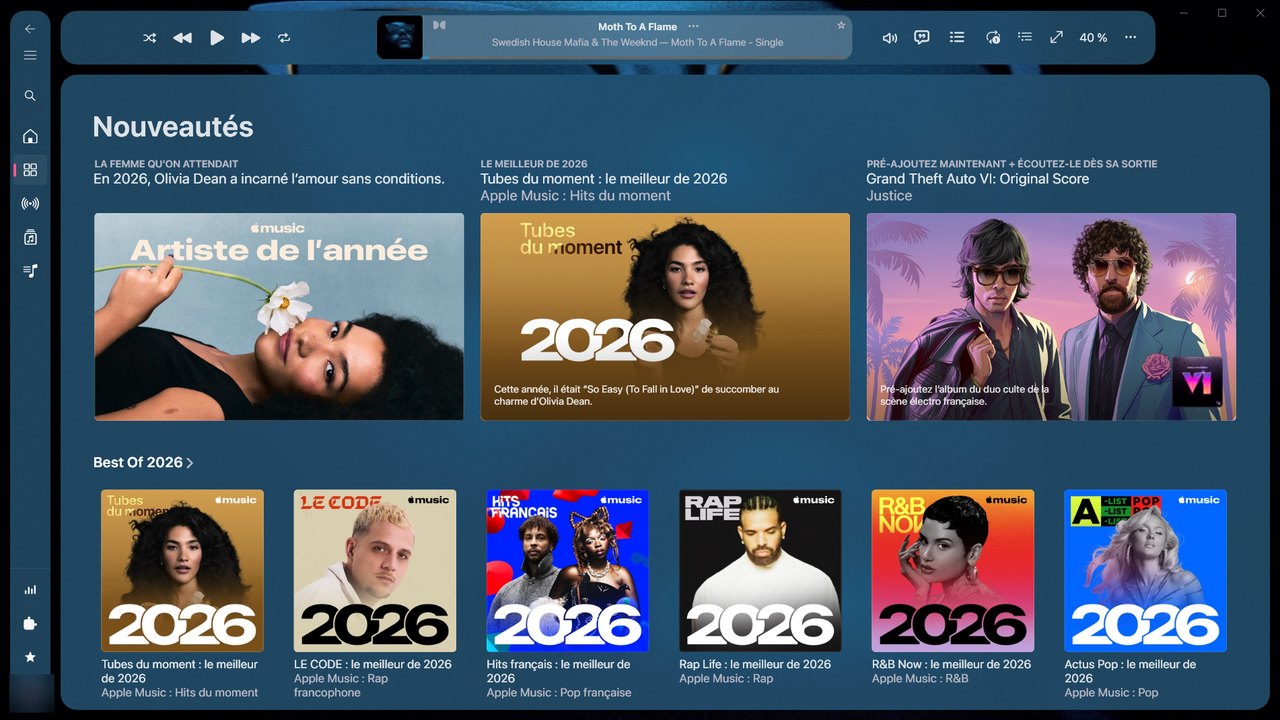
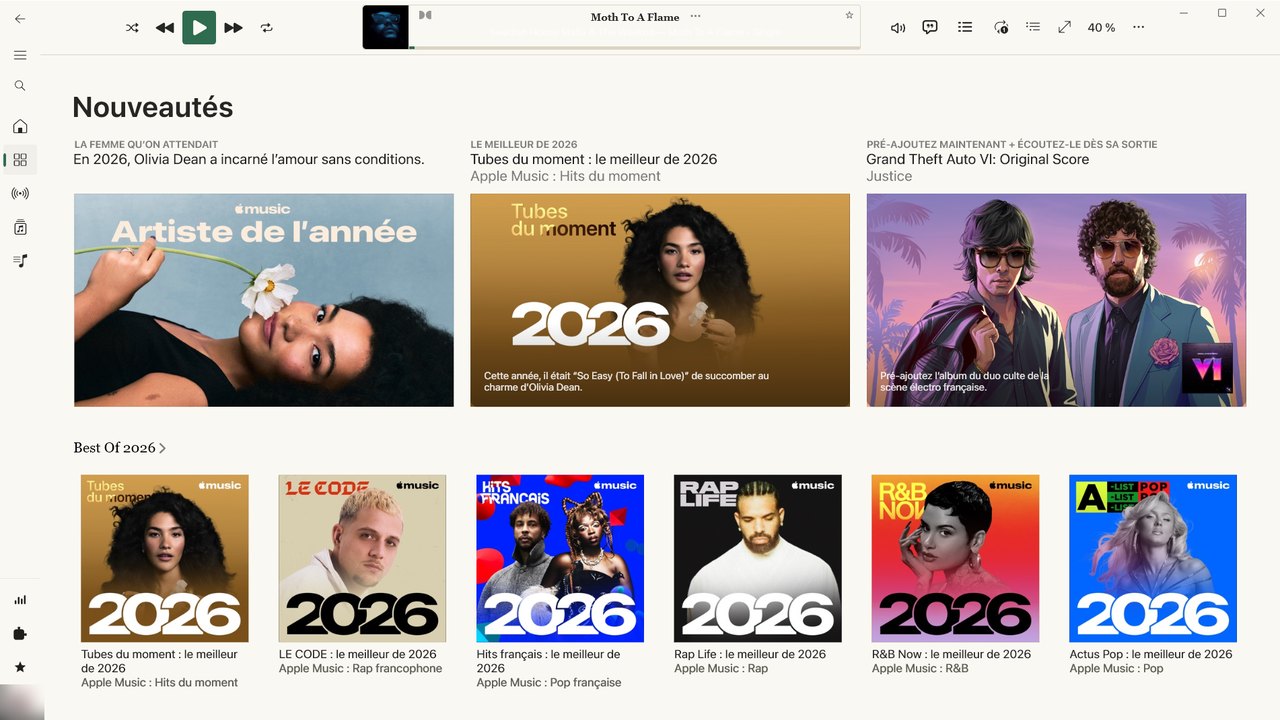
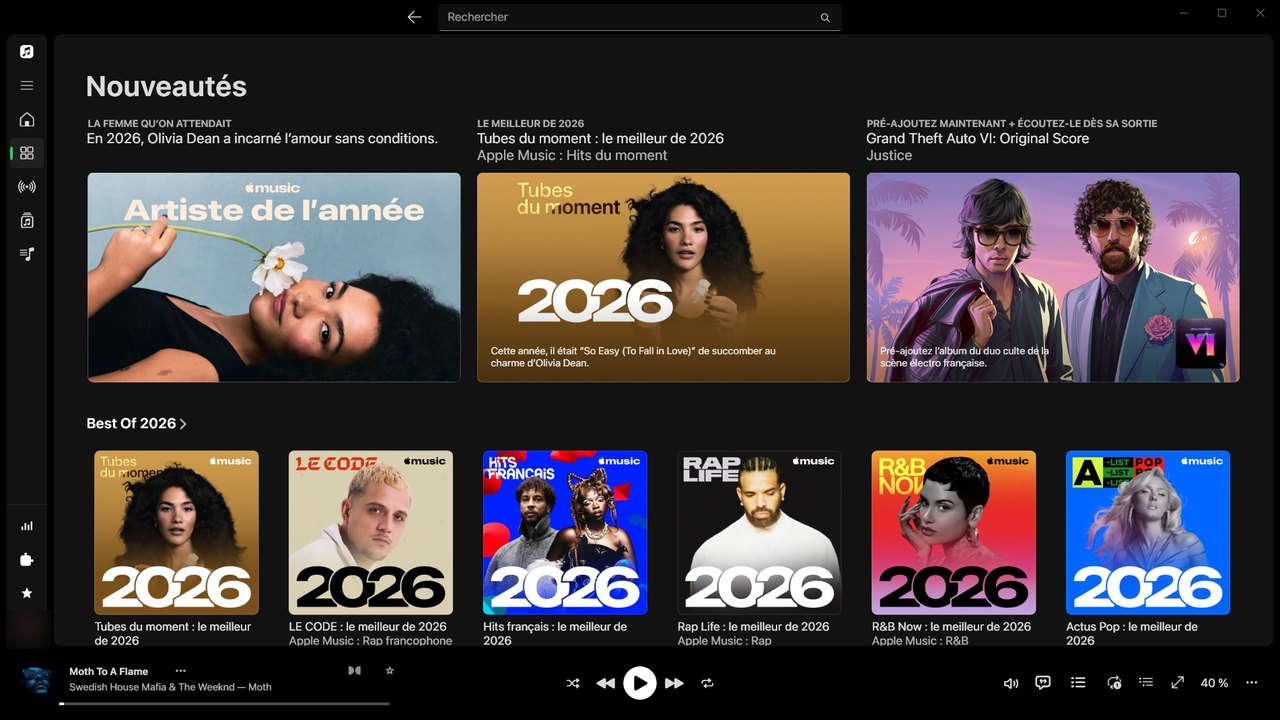
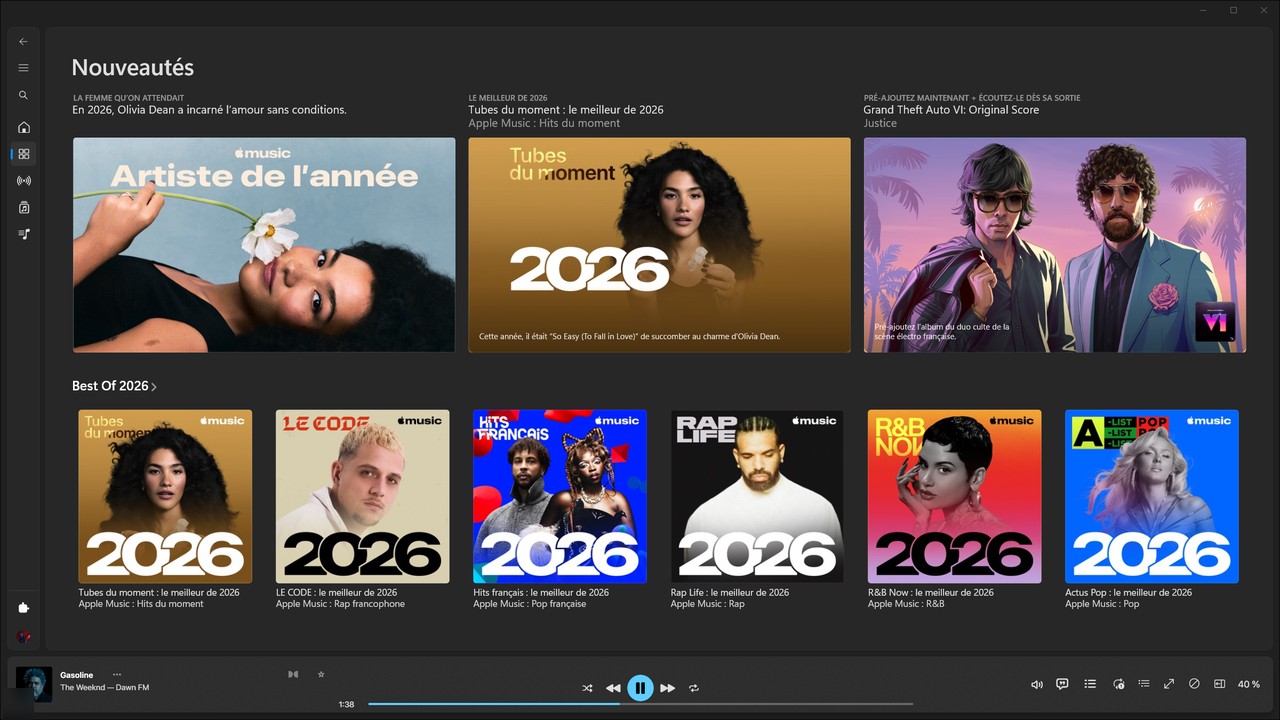
What changes in Apple Music
-
Themes
Glass panels, the song's artwork behind everything, a Windows 11 look, rounded or square corners. Pick one in the Marketplace inside Apple Music and it applies at once.
10 themes, 28 schemes, 11 snippets
-
Discord and Last.fm
Your Discord status shows the song, its artwork and a progress bar. The scrobbler sends what you play to Last.fm.
One click each in the Marketplace
-
Apps
Pages in the sidebar for your listening stats (hours, plays, top artists, songs and albums) and for the new releases of the artists you play.
Listening stats, New releases
-
Lyrics your way
Choose how many lines show around the sung one, centre them or keep them left, blur the others or leave them sharp, on a dark or artwork background.
In the pane and in full screen
-
AutoMix (beta)
Each song flows into the next like a DJ set: on the beat when the tempos are close, otherwise an echo out on a bar, the song's own ending and a breath, or a crossfade. It is young and still getting better.
Off by default, one switch
-
Still Apple Music
Lossless, Dolby Atmos, your library and its sync, and whatever Apple adds to the app keep working. An Atmos leveler plays Atmos songs as loud as stereo ones.
Apple's package is never changed
The Marketplace
Themes, snippets, extensions and apps, each with a picture of what it does. This page reads the same catalog as Apple Music, so what you see here is what you can install now.
Make your own
A theme is a few lines of CSS on Apple Music’s own elements. An extension is JavaScript (or TypeScript) with the Ampify object. ampify dev reloads your work at every save, and ampify publish sends it to the Marketplace.
themes/my-theme/user.css.sidebar {
  background: $card;
  corner-radius: 12px;
}
.play-button:hover {
  transform: scale(1.08);
  transition: transform 160ms ease-out;
}
extensions/now-title/main.jsAmpify.player.on("trackchange", (state) => {
  Ampify.notify({
    title: state.track.title,
    text: state.track.artist,
  });
});
Apple Music stays Apple Music
- Nothing is written into Apple Music's package; uninstalling puts everything back.
- Copy protection is never touched.
- On an Apple Music version of a family that was not tested, Ampify stays off until it is.
- Every theme and extension in the Marketplace has its source on GitHub, reviewed before it is listed.